
Is Ray Tracing Worth Turning On? An Honest 2026 Verdict
Few graphics settings spark fiercer debate than ray tracing. On paper it is the biggest leap in real-time rendering in a decade — true light simulation instead of baked-in fakery. In practice, toggling it on can halve your frame rate for improvements you might need a side-by-side comparison to notice. Marketing says it is transformative; your eyes, watching a fast-moving firefight, may disagree.
So is ray tracing worth turning on? The honest answer depends on your hardware, the game, and what you value. Here is what ray tracing actually does, what it costs, and a clear decision framework for every platform.
What Ray Tracing Actually Changes on Screen
What ray tracing changes on screen
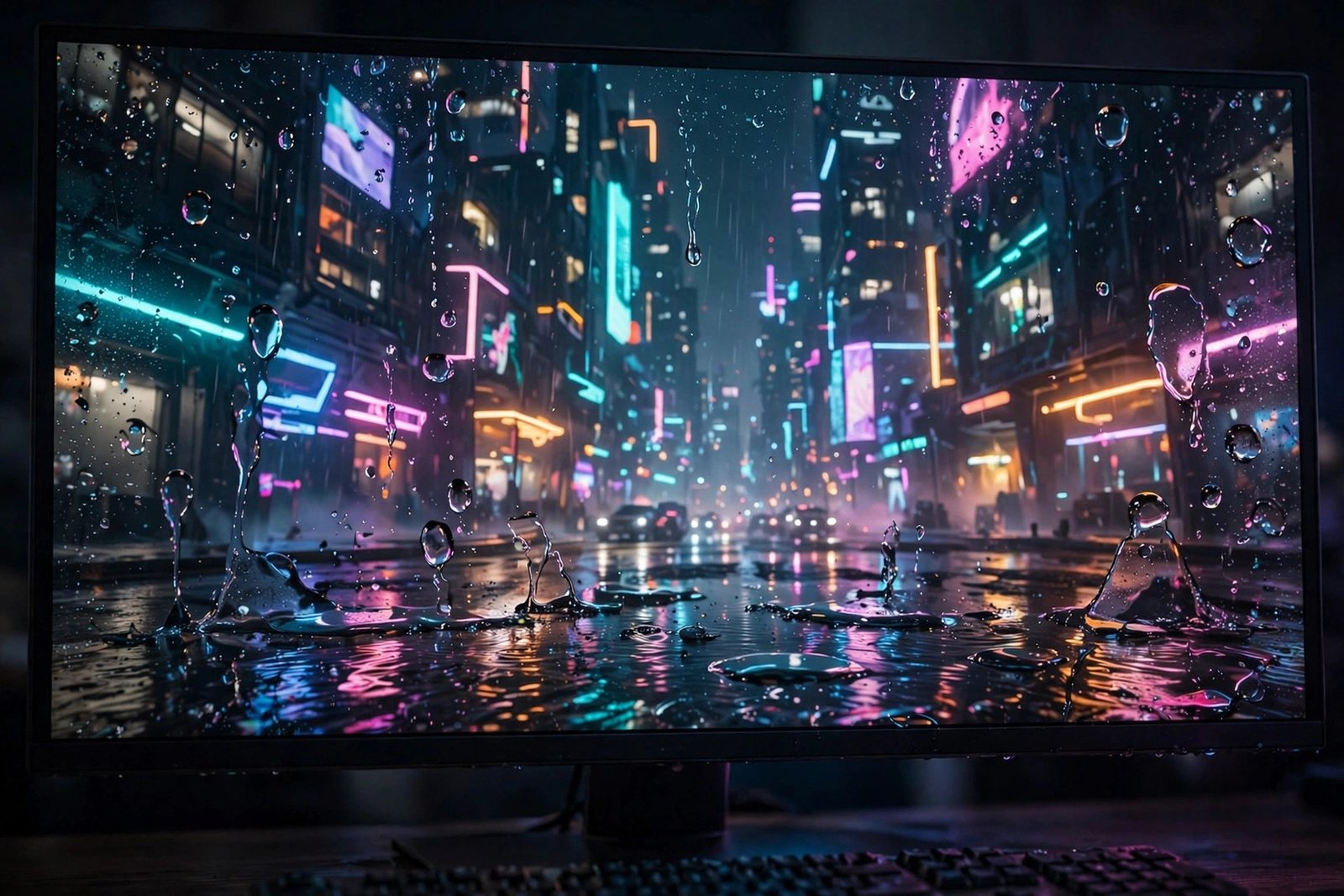
Traditional game rendering fakes lighting with shortcuts: shadows are pre-computed blobs, reflections are mirrored approximations, and ambient occlusion is painted on. Ray tracing instead simulates actual light rays bouncing through the scene, which transforms three things visibly: reflections become accurate — puddles mirror the neon signs above them rather than a blurry guess; shadows gain soft, realistic edges and correct behaviour around complex geometry; and global illumination lets light bounce naturally, so a sunlit red wall genuinely tints the adjacent corridor pink.
Where its limits lie
The catch is subtlety. In slow, atmospheric games — a rain-slicked city at night, a cathedral interior — the difference is striking and screenshots prove it. In bright, fast multiplayer, you will likely never notice while actually playing. Ray tracing's gains concentrate in reflections, shadows and indirect light; it does nothing for texture detail, character models, or art direction. A beautiful game without ray tracing still beats an ugly one with it, which is why the setting divides opinion so sharply.
The Performance Cost Is Real
Ray tracing is brutally expensive because it multiplies the work per pixel enormously — tracing even a few rays per pixel with denoising is far costlier than the rasterisation tricks it replaces. On consoles, enabling ray tracing typically drops a game from 60fps to 30fps, or forces a dynamic resolution that visibly softens the image. On PC, the cost varies wildly by GPU: a high-end card with dedicated RT cores handles it gracefully, while mid-range cards can lose 40 to 50 percent of their frame rate.
This is where upscaling enters the picture. DLSS on Nvidia cards, FSR on AMD, and PSSR on the PS5 Pro reconstruct a lower internal resolution into a sharp final image, clawing back much of the lost performance — often enough to make ray tracing viable at 60fps where it otherwise would not be. The current-generation sweet spot is genuinely 'ray tracing plus upscaling', not ray tracing alone. Without upscaling support, think twice; with it, the trade-off becomes far more reasonable.
Further reading: BBC News technology.
When It Is Worth It: The Decision Framework
Turn ray tracing on when three conditions align: the game is slow-paced and visually driven — think single-player adventures, horror, and photo modes where you will actually see the lighting; your hardware can hold your target frame rate with it enabled (check with the game's built-in benchmark or a quick test in a demanding area); and upscaling is available to offset the cost. In those cases the visual upgrade is real and the smoothness penalty is manageable.
Leave it off for competitive multiplayer, where frame rate and input latency decide fights and nobody admires puddle reflections mid-gunfight; for fast action games where motion hides lighting nuance; and on modest hardware where it tanks performance below 60fps. There is no shame in the rasterised look — developers have spent decades perfecting those lighting tricks, and most 'ray tracing off' modes in 2026 still look excellent. The setting is a luxury option, not a correctness test.
Platform Notes: PS5, PS5 Pro, Xbox and PC
On the base PS5 and Xbox Series X, ray tracing usually means choosing between fidelity mode (ray tracing at 30fps) and performance mode (60fps without it). Most players sensibly choose performance — the smoothness gain dwarfs the lighting gain in moment-to-moment play. The PS5 Pro changes the maths meaningfully: its stronger GPU and PSSR upscaling let many games run ray-traced modes at 60fps, making it the first console where the setting is not an either-or sacrifice.
On PC, the decision is per-game and per-GPU. Nvidia's RTX cards from the 3070 upward generally handle ray tracing well with DLSS enabled; AMD cards have closed the gap but still trail in heavy ray-traced scenes. Always enable the upscaler first, then toggle ray tracing and watch the frame counter in a demanding area — not the menu. And remember path tracing, the full version seen in modes like Cyberpunk's Overdrive, remains a showcase feature for top-tier hardware rather than a mainstream setting.
Upscaling: The Technology That Makes Ray Tracing Viable
Ray tracing's redemption arc is really upscaling's story. DLSS (Nvidia), FSR (AMD, open to all) and PSSR (PS5 Pro) render the game at a lower internal resolution — where ray tracing is affordable — then reconstruct a sharp final image with AI or advanced algorithms. Good implementations are remarkably clean; at 4K output, quality-mode upscaling from 1440p is genuinely hard to distinguish from native rendering in motion.
To use it well: always enable the upscaler before judging ray tracing — testing RT without upscaling is testing the worst case. Prefer the 'Quality' upscaling preset over 'Performance' unless frame rates demand it; the visual difference between them exceeds the RT difference you are chasing. Keep drivers and game patches current, since upscaler quality improves steadily. And remember the hierarchy: a stable 60fps with upscaling plus ray tracing beats native 4K at 30fps for most players, most of the time. The setting combination matters more than any single toggle.
Learn more from Ukie, the UK video games trade body.
The Future: Why the Debate Will Fade
The trajectory is clear: each hardware generation makes ray tracing cheaper, upscaling makes it more viable, and developers increasingly design lighting around it rather than bolting it on. Unreal Engine 5's hybrid approaches and the industry-wide shift toward ray-traced global illumination mean future games will assume the feature exists. Within a few years, the question will not be whether to turn it on but how much of it your hardware can handle.
Until then, treat ray tracing as what it is: a premium visual option with a real cost. Enable it where you will see it, disable it where you will feel it, and never let a settings menu make you feel your games look wrong. The best graphics setting has always been the one that lets you enjoy the game.
Related reading you might enjoy: are smart doorbells worth it for UK homes and how does vinted work and is it worth selling on.
Ray tracing is worth turning on for slow, atmospheric single-player games on hardware that can sustain your target frame rate — especially with DLSS, FSR or PSSR upscaling softening the cost. It is not worth it for competitive multiplayer, fast action, or modest GPUs where it halves smoothness for subtle gains. On the PS5 Pro and strong PCs the trade-off finally favours enabling it; on base consoles, performance mode usually wins. Revisit the setting per game, not as a global rule.
Frequently Asked Questions
Does ray tracing make a big visual difference?
In reflections, shadows and indirect lighting, yes — noticeably in slow atmospheric scenes. In fast or bright gameplay the difference is subtle, and it does not improve textures or models.
Why does ray tracing lower FPS so much?
Simulating light rays per pixel is enormously more expensive than traditional rasterisation shortcuts, often costing 30 to 50 percent of frame rate without upscaling to compensate.
Should I use ray tracing on PS5?
Usually performance mode (60fps, no ray tracing) is the better experience on base PS5. On PS5 Pro, ray-traced 60fps modes make enabling it far more attractive.
What is the difference between ray tracing and path tracing?
Ray tracing typically traces effects like reflections and shadows selectively; path tracing simulates full light transport for the whole scene — far more accurate and far more demanding, still a showcase feature.