
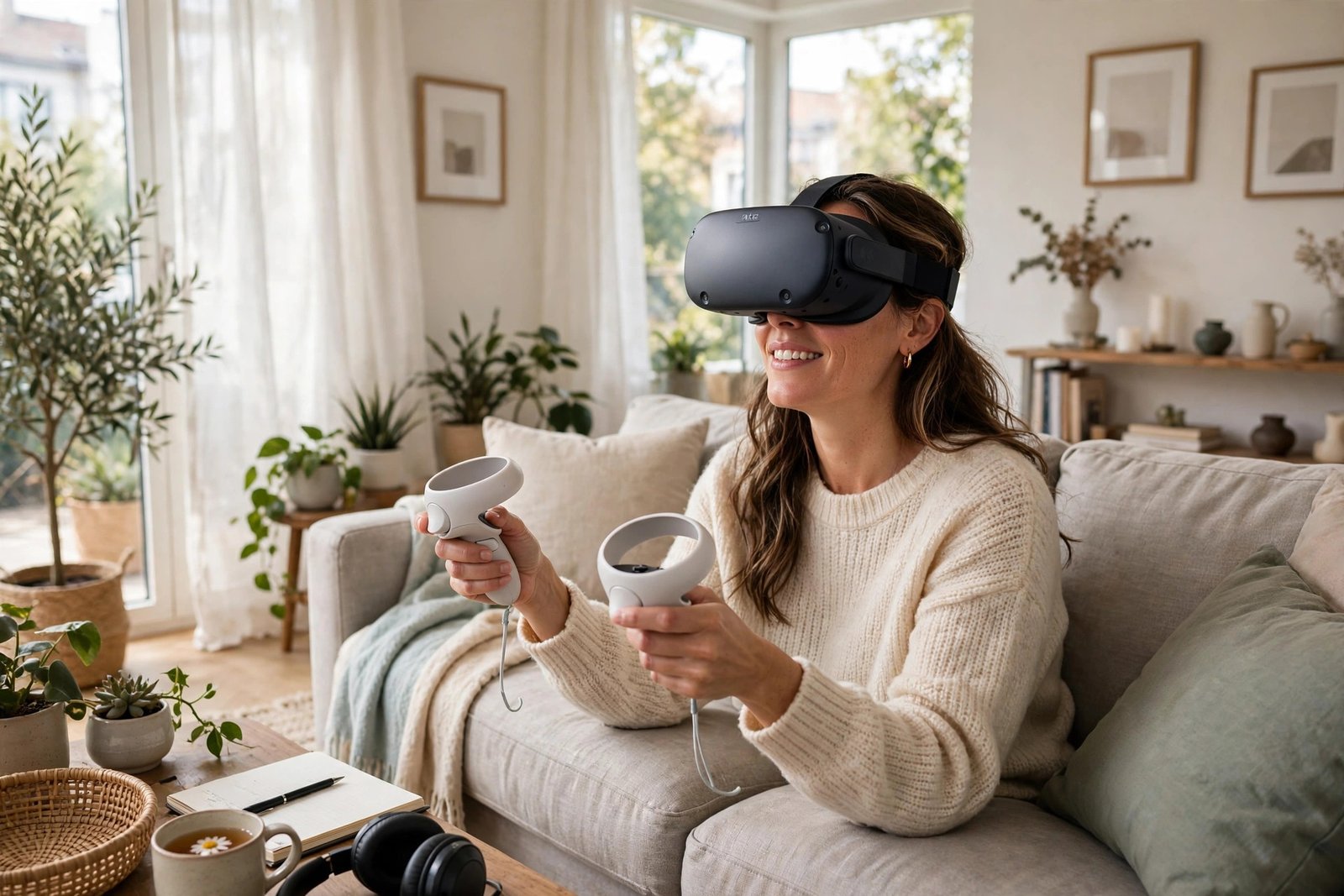
How to Play VR Without Feeling Sick: The Complete Comfort Guide
You put on the headset, step into a breathtaking virtual world — and within ten minutes your stomach is churning, your head aches, and you are ripping the headset off wondering if VR is simply not for you. VR motion sickness (cybersickness) affects a large share of new users, and it is the number one reason expensive headsets gather dust. But here is what the VR veterans know: for most people, it is almost entirely solvable. Cybersickness is not a verdict on your suitability for VR; it is a set of specific, addressable triggers.
Here is why VR makes you sick and the complete toolkit for playing comfortably.
Why VR makes you nauseous: sensory conflict
The dominant theory is sensory conflict: your eyes report motion (you are flying through a virtual canyon) while your vestibular system — the inner-ear balance organs — reports that you are sitting still on a sofa. The brain, faced with contradictory signals, concludes you have been poisoned (the evolutionary logic: conflicting senses historically meant neurotoxin ingestion) and triggers nausea to expel the imagined toxin. It is the same mechanism behind carsickness and seasickness, which is why people prone to those are often prone to cybersickness too.
Several technical factors amplify the conflict. Low frame rates are the biggest: at 60fps or below, the lag between your head movement and the display updating (motion-to-photon latency) widens the sensory gap dramatically. Modern headsets target 90fps or 120fps precisely because higher frame rates reduce sickness. Artificial locomotion — gliding through a virtual world with a thumbstick while your body sits still — is the worst offender, far worse than teleportation or room-scale walking. And poor headset fit (wrong IPD — the distance between your pupils — or a loose strap causing image swim) adds visual-vestibular mismatch on top.
The settings that fix most of it
Use teleport or snap turning. Nearly all VR games offer comfort options: teleport locomotion (jumping between points instead of gliding) and snap turning (rotating in fixed increments rather than smoothly) eliminate the worst sensory conflicts. They feel less immersive initially, but they let you play for hours instead of minutes — and most users graduate to smoother locomotion as tolerance builds.
Enable vignetting. Comfort vignetting narrows your field of view during movement, reducing the peripheral motion signals that drive nausea. It looks odd in screenshots and feels natural within minutes.
Maximise frame rate. On PC VR, lower graphical settings to hold a stable 90fps+ — a stable lower-fidelity image causes far less sickness than a beautiful stuttering one. On standalone headsets, keep the device cool and close background apps; thermal throttling drops frame rates exactly when you need them stable.
Set your IPD correctly. Measure your interpupillary distance (many opticians will do it free, or use a phone app) and dial it into the headset. Wrong IPD causes eye strain and headaches that compound nausea — a five-minute setup step most new users skip.
Build tolerance gradually
Cybersickness responds to acclimatisation like seasickness does: short, regular exposures that stop before symptoms start. Begin with 10–15 minute sessions of comfortable content (stationary or teleport-based experiences), ending while you still feel fine. Extend gradually over days and weeks. Most users report dramatic improvement within 1–2 weeks of consistent short sessions; the brain learns the new sensory mapping. Pushing through nausea, by contrast, teaches your brain to associate VR with sickness — stop at the first queasiness, every time.
Physical tricks that help
A fan blowing on your face is the most beloved folk remedy in the VR community, and there is real logic: airflow provides a consistent directional reference that reduces sensory conflict, and cooling counters the sweatiness that accompanies nausea. Ginger — capsules, tea, or biscuits — has modest clinical evidence for motion sickness generally and many VR users swear by it. Stay hydrated, avoid alcohol before playing (it worsens vestibular disruption significantly), and ensure the room is cool and ventilated.
Posture matters: playing seated with your feet flat provides grounding reference; some users find standing with a stable stance better. Experiment. And take real breaks: the 20-minutes-on, 10-minutes-off rhythm suits most beginners. If symptoms persist across weeks of gradual exposure, consider that specific games (not VR itself) may be the issue — some titles are notoriously sickness-inducing regardless of settings, and there is no shame in curating your library around comfort.
Choosing the right hardware helps too: modern headsets with higher refresh rates, better lenses, and proper IPD adjustment cause measurably less sickness than older or budget models. Our analysis of whether a PS5 is worth buying in 2026 covers the console VR route (PS VR2), which benefits from the console’s consistent performance tuning. And if young family members use the headset, setting up parental controls principles apply to managing their VR time too — most manufacturers set minimum ages (typically 13) for good reason.
The BBC has covered VR comfort research including university studies on cybersickness mitigation, and Which? tests headsets with comfort as an explicit criterion — worth consulting before buying.
The bottom line
Play VR without feeling sick by: using teleport locomotion and snap turning, enabling vignetting, holding 90fps+, setting IPD correctly, building tolerance with short sessions that end before symptoms, using a fan and ginger, avoiding alcohol, and curating comfortable games while you adapt. Cybersickness is a solvable settings-and-acclimatisation problem, not a personal failing — the vast majority of users who persist through two weeks of gradual exposure play comfortably.
Frequently Asked Questions
Why does VR make me feel sick?
Sensory conflict: your eyes report motion while your inner ear reports stillness, and the brain interprets the mismatch as poisoning, triggering nausea. Low frame rates, artificial gliding locomotion, and wrong IPD settings amplify it.
Will I ever get used to VR motion sickness?
Most people do — 1–2 weeks of short, regular sessions that stop before symptoms start typically builds substantial tolerance. The brain learns the new sensory mapping; pushing through nausea counterproductively reinforces the association.
What VR settings reduce motion sickness most?
Teleport locomotion instead of smooth gliding, snap turning instead of smooth turning, comfort vignetting during movement, and stable 90fps+ frame rates. Correct IPD adjustment is the most-skipped fix.
Does ginger actually help VR sickness?
Ginger has modest clinical evidence for motion sickness in general, and many VR users report it helps. It’s a reasonable adjunct to the primary fixes (settings, gradual exposure), not a standalone cure.
Are some people just unable to do VR?
A small minority remain highly sensitive despite all measures, but this is uncommon — most “I can’t do VR” cases are really “I tried the wrong settings for too long on day one.” Gradual acclimatisation with comfort settings works for the large majority.
Can children use VR headsets safely?
Most manufacturers set a minimum age of 13, partly because headsets are designed for adult head sizes and IPD ranges — a poor fit increases sickness and eye strain significantly. Children’s visual systems are still developing, and the long-term effects of VR on young eyes are not fully studied. If teenagers use VR, keep sessions short, ensure proper fit, and use comfort settings from the start.
Is VR bad for your eyes?
Current evidence shows no lasting eye damage from normal VR use in adults, though temporary strain, dryness, and headaches are common — usually from poor fit, wrong IPD, or marathon sessions. Follow the 20-20-20 principle adapted for VR (regular breaks), ensure correct setup, and treat persistent discomfort as a signal to stop, not push through.