
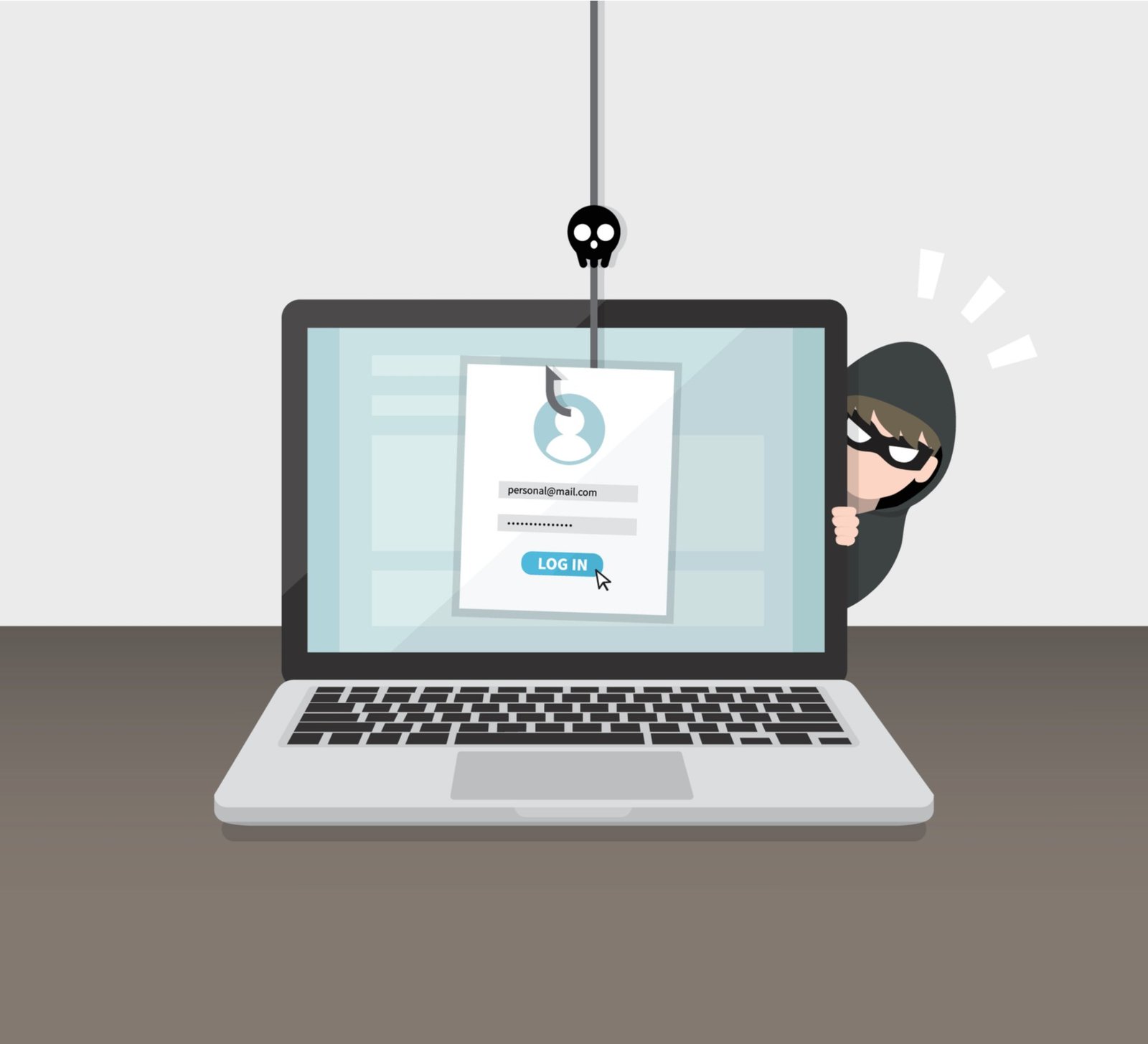
How to Spot a Phishing Email: 9 Red Flags to Check
How to Spot a Phishing Email: 9 Red Flags to Check
How can I tell if an email is a phishing scam? Start here: if an email makes you feel rushed, scared or excited enough to click without thinking, that’s the scam working as designed. Phishing isn’t really a technology problem — it’s a psychology trick, and knowing the red flags below makes you nearly immune.
I’ve spent enough time comparing phishing scams across the UK to know the headline figures rarely tell the full story. Prices shift between providers, the small print hides the real cost, and what works brilliantly for a mate in Manchester might be a poor fit for a flat in London. So let’s cut through the noise and look at what actually matters. If that’s on your mind too, have a look at our guide to what is the best free antivirus for windows in 2026 — it pairs naturally with everything below.
How can I tell if an email is a phishing scam? Check these 9 signs
The key points, stripped of fluff:
- The sender address is wrong: ‘HMRC’ emailing from hmrc-refund-support@gmail.com isn’t HMRC. Check the actual address, not just the display name.
- Urgency and threats: ‘Your account will be suspended in 24 hours!’ Real companies don’t communicate like this; scammers always do.
- Generic greetings: ‘Dear customer’ instead of your name. Your bank knows your name.
- Links don’t match: hover (don’t click) — if the link shows a random domain instead of the company’s site, it’s fake.
- Unexpected attachments: invoices, ‘missed delivery’ notices or documents you didn’t ask for often carry malware.
- Too-good offers: surprise tax refunds, lottery wins, crypto giveaways — if you didn’t enter, you didn’t win.
- Poor spelling and grammar: less reliable than it used to be (AI writes fluent scams now), but still common in bulk phishing.
- Requests for personal details: banks, HMRC and delivery firms never ask for passwords or bank details by email. Ever.
- It arrived out of the blue: ask yourself — was I expecting this? If not, treat it as guilty until proven innocent.
Still with me? Good, because this next bit is where people usually go wrong. Worth a read alongside this: our guide to what should I do if my bank details were leaked in a data breach.
The 30-second verification habit
Here’s the process, step by step — nothing here should take more than an afternoon:
- Don’t click links or download attachments from the suspicious email.
- Open your browser and go to the company’s official site directly (type it yourself).
- Log in normally and check for any alerts or messages there — real issues appear in your account.
- Still unsure? Phone the company on the number from their official site, not the email.
- Report it: forward phishing to report@phishing.gov.uk (the UK’s official reporting address) and delete it.
One thing I’ve noticed over the years: the people who are happiest with their choice are the ones who matched it to how they actually live, not to some idealised version of their habits. Be honest with yourself here and you’ll choose better.
Why even smart people fall for phishing
Phishing works because it hijacks your emotions, not your intelligence. A ‘suspicious login attempt’ email at 11pm triggers panic; a fake invoice during a busy workday triggers autopilot. I’ve seen IT professionals click things they’d spot instantly on a calm Tuesday — context is everything.
The scams have also levelled up. AI-written phishing is grammatically perfect, spear-phishing uses your real name and details scraped from social media, and fake login pages now perfectly mimic banks and Microsoft 365. The old advice (‘look for typos’) is dangerously outdated — verify independently instead of judging by appearance.
If you’ve already clicked
Don’t panic, but act fast: if you entered a password, change it immediately on the real site (and anywhere else you reused it — then stop reusing passwords). If you entered bank details, call your bank’s fraud line now — they deal with this daily and won’t judge you. Run an antivirus scan if you downloaded anything, and keep an eye on your accounts for a few weeks.
Then report it to report@phishing.gov.uk and Action Fraud. Reporting feels pointless, but it’s how the National Cyber Security Centre takes down scam infrastructure — your report genuinely helps shut the next one down.
Quick answers
Is the cheapest phishing scams option ever the right choice?
Sometimes — but rarely for the reasons people think. The cheapest phishing scams option works fine when your needs are simple and the product is basically a commodity. It falls apart when reliability, support or longevity matter. Ask yourself one question: what’s the cost if this goes wrong? If the answer is ‘a bad afternoon’, go cheap and cheerful. If it’s ‘hundreds of pounds or weeks of hassle’, pay the middle price and sleep well.
What’s the biggest mistake people make with phishing scams?
Rushing in without comparing options. Most people grab the first phishing scams deal they see — usually an advert or a mate’s recommendation — and never check whether it actually fits their situation. Spend an hour comparing two or three alternatives, read the small print on the cheapest one, and you’ll dodge the regret that lands three months later when the bills arrive or the limitations start to bite.
How much should I realistically budget for phishing scams?
More than the headline price, less than the premium option. A sensible budget for phishing scams sits in the middle of the market — enough to avoid the cut corners of the cheapest tier, without paying for features you’ll never touch. Add 15-20% contingency for the extras nobody mentions upfront, and you’ll land about right. The people who blow the budget are the ones who budgeted for the advert price instead of the real one.
Pro tip: for phishing scams, the middle of the market is usually the sweet spot. The cheapest tier cuts the corners you’ll notice every single day; the premium tier charges for bragging rights. Buy the best of the mid-range and you’ll rarely regret it.
So, what’s the verdict?
Check the sender, hover the links, resist the urgency, and verify through official channels — that 30-second habit defeats nearly all phishing. And if you do slip, act fast: change passwords, call your bank, and report it.
Nobody else is going to sort this for you, and honestly it doesn’t take long once you know what you’re looking at. Pick the option that fits, set a reminder to review it in a year, and get on with your life. One last tip from me: set a calendar reminder to revisit this in twelve months. Loyalty rarely gets rewarded in the UK market, and the best deal is almost always the one you renegotiate. For the official word, see National Cyber Security Centre: phishing guidance. Report phishing to the NCSC is also worth a look for independent comparisons. And if you’re still weighing things up, our guide to how do I back up my photos without paying for icloud covers the next question most people ask.