
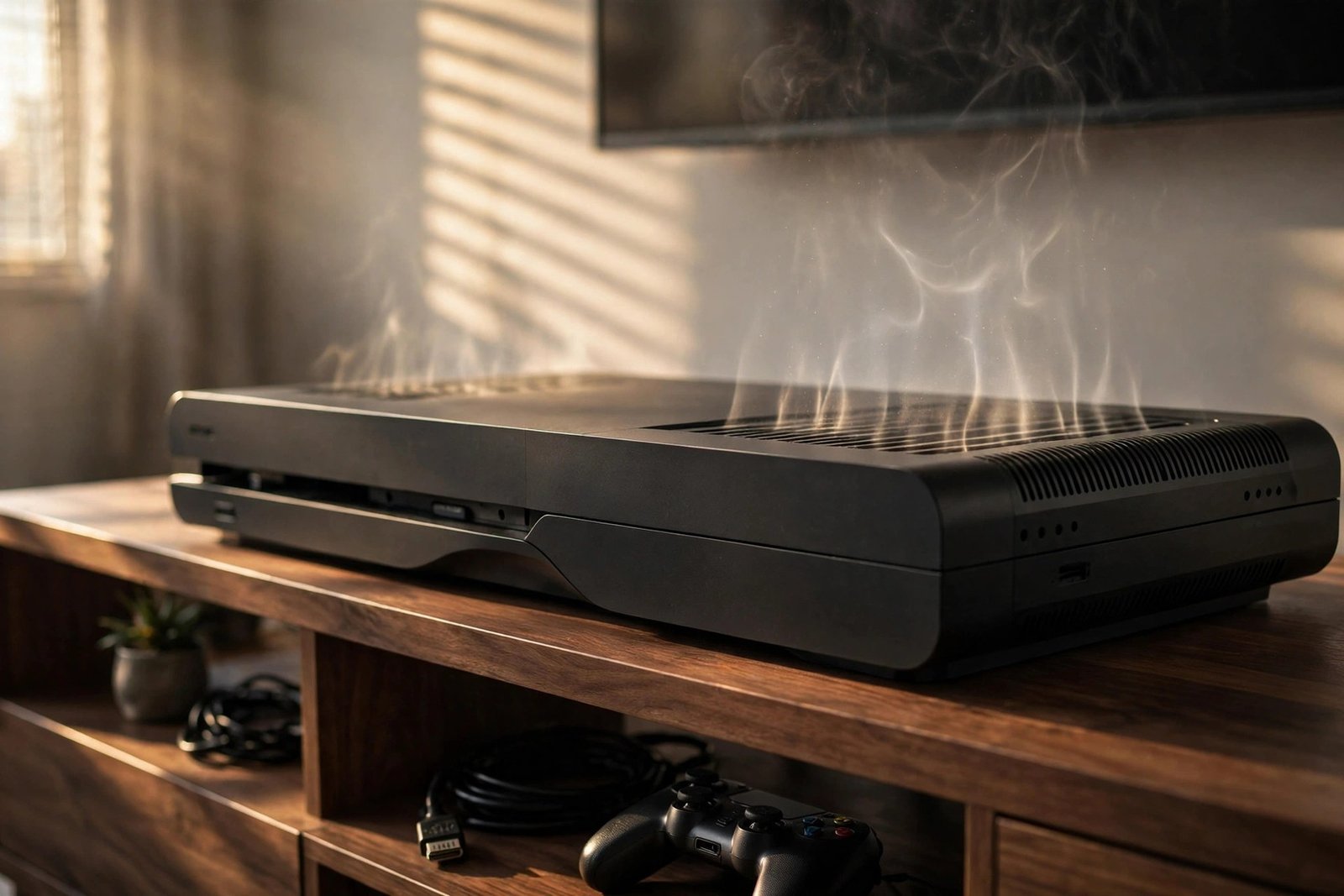
Why Your Console Keeps Overheating (And How to Stop It)
Nothing kills a gaming session like the fans screaming, the frame rate collapsing, and then the black screen of a thermal shutdown. Modern consoles pack enormous power into small boxes, and heat is the unavoidable by-product — a PlayStation 5 or Xbox Series X can dump well over 200 watts of heat under load, roughly a small space heater's worth, all of which must be pushed out through carefully designed airflow.
When a console keeps overheating, it is almost always one of a handful of causes, and most are fixable without professional help. Here is how to diagnose why your console keeps overheating and what to do about each cause, from the five-minute fixes to the deeper maintenance.
The Usual Suspect: Blocked Airflow and Bad Placement
How console airflow is designed
Consoles are designed around specific airflow paths — the PS5 pulls air through its front and sides and exhausts out the back, while the Series X draws from the bottom and vents through the top. Anything obstructing that path forces the fans to work harder and the internal temperature to climb. The classic mistakes are pushing the console flush against a wall, enclosing it in a TV cabinet with a closed back, stacking other devices on top, or placing it on carpet that smothers bottom intakes.
The classic placement mistakes
The fix is free and immediate: give the console at least 10 centimetres of clear space on all vented sides, keep the top exhaust of a Series X completely unobstructed, and get it out of enclosed cabinets — or at least leave cabinet doors open during play. Orientation matters less than clearance, though vertical PS5s need their stand fitted correctly for the internal airflow design to work as intended. If your console lives in a media unit, this single change resolves a surprising share of overheating complaints.
Dust: The Slow Strangler
Every cubic metre of room air carries dust, and a console's fans pull it all through the heatsink fins where it mats into an insulating blanket. After a year or two in a normal living room — faster in homes with pets or near busy roads — dust buildup alone can raise operating temperatures by 10 to 20 degrees. The symptoms creep up gradually: fans louder than you remember, the console hot to the touch, shutdowns only in demanding games.
Maintenance is straightforward. Power down and unplug, then vacuum the exterior vents with a soft brush attachment — never blow compressed air into the vents while assembled, as that just packs dust deeper into the heatsink. For a deeper clean, both Sony and Microsoft designs allow removing side panels or covers for access; a soft brush and careful vacuuming of visible heatsink fins works wonders. Do this every six months and the fans will thank you with silence. Keep the room itself reasonably dust-free and the interval stretches further.
The full background is available at GamesIndustry.biz.
Thermal Paste and Liquid Metal Ageing
Between the processor and the heatsink sits thermal interface material that transfers heat — traditional paste on Xbox consoles, liquid metal on the PS5. Over years of heat cycling, paste dries and cracks, and liquid metal can migrate or oxidise, gradually degrading heat transfer until the chip runs hot even with clean fans and clear vents. If your console is three or more years old, cleaned, well-ventilated, and still shutting down, this is the likely culprit.
Replacing it is an intermediate repair: it requires opening the console, removing the heatsink, cleaning the old material with isopropyl alcohol, and applying fresh paste — or fresh liquid metal on PS5, which demands extra care since it is electrically conductive. Plenty of detailed teardowns exist for each model. The payoff is dramatic, often restoring day-one thermals. The warning is real, though: this voids warranties and a slip with liquid metal can kill a board, so if you are not confident, a reputable console repair shop does the job for a modest fee.
Software and Environmental Factors
Not every overheat is hardware decay. Some games push consoles far harder than others — poorly optimised titles or uncapped frame-rate menus can pin the processor at maximum indefinitely. Check whether shutdowns happen in one specific game; if so, try its performance mode, cap the frame rate, or check for patches before assuming the console is dying. Background downloads and installs also add heat during play.
Environment plays its part too. Consoles throttle and shut down sooner in hot rooms — a console that behaves in winter may struggle in a 30-degree summer flat. Direct sunlight on the console, placement above a radiator or AV receiver pumping out heat, and running with dust covers still on are all real-world causes. Rule of thumb: if the room is uncomfortable for you, it is uncomfortable for the console. A small fan improving room circulation around the setup costs pennies to run and measurably helps.
Your Annual Console Maintenance Calendar
Prevention beats repair, so put console care on a twice-yearly schedule. Every six months: power down, vacuum the exterior vents with a brush attachment, wipe the surrounding shelf (dust reservoirs recontaminate fast), and check clearances have not crept closed as you have added devices. Once a year, remove the side panels or covers your model allows and carefully clean visible heatsink fins and fan blades with a soft brush — the dust you remove here is worth several degrees.
Between services, monitor casually: note the fan noise during a demanding game when the console is new or freshly cleaned, and treat significant loudness increases as an early warning. Keep the room ventilated in summer — a small desk fan moving air around the setup costs pennies and helps measurably. If shutdowns ever begin, act within days, not months: heat damage compounds, and the repair that is cheap in week one becomes expensive in month three. Fifteen minutes twice a year buys years of quiet, cool gaming.
Worth a look: BBC News technology.
When It Is Actually Dying
Sometimes overheating signals genuine failure: a dying fan that no longer spins at full speed, a heatsink that has warped or detached, or a power supply fault. The diagnostic signs are distinct — grinding or clicking from the fan, shutdowns within minutes even at the dashboard, or a burning smell. If cleaning and placement change nothing and the console is out of warranty, get a professional diagnosis before the heat damages the processor permanently.
One more honest note: the earliest PS5 and Series X units are now several years old, and thermal components have finite lives. If a console needs paste replacement, a new fan, and deep cleaning all at once, weigh the repair bill against current prices — but in most cases a proper service restores years of life. Consoles are built to run hot; they are only in trouble when they cannot shed that heat, and shedding heat is almost always fixable.
Want to go deeper? Our article on how do i lose belly fat safely and keep it off and how much electricity does a gaming pc use per hour is worth a look next.
A console that keeps overheating is usually suffocating: clear 10cm around every vent, get it out of enclosed cabinets, and vacuum the dust from its heatsinks twice a year. If it is several years old and still runs hot after cleaning, ageing thermal paste or liquid metal is the next suspect — replaceable at home with care or cheaply at a repair shop. Only when fans grind or shutdowns happen at the dashboard should you suspect real hardware failure.
Frequently Asked Questions
Why does my PS5 overheat in summer but not winter?
Higher ambient room temperature reduces how effectively the heatsink sheds heat. A console with marginal cooling — dusty fins or ageing thermal material — copes in cool rooms but crosses shutdown thresholds when the room is hot.
Is it safe to vacuum my console's vents?
Yes — power down, unplug, and use a soft brush attachment on exterior vents. Avoid blowing compressed air into an assembled console, which packs dust deeper into the heatsink instead of removing it.
How often should I replace thermal paste in a console?
Typically every 3 to 5 years depending on use and environment. Consider it when a cleaned, well-ventilated console still overheats or shuts down under load.
Can a console be permanently damaged by overheating?
Repeated thermal shutdowns stress solder joints and the processor; the shutdown itself is protective. Persistent overheating left unaddressed for months can shorten the console's life, so fix cooling issues promptly.